

How Does a Website Know That “I’m Not a Robot”?
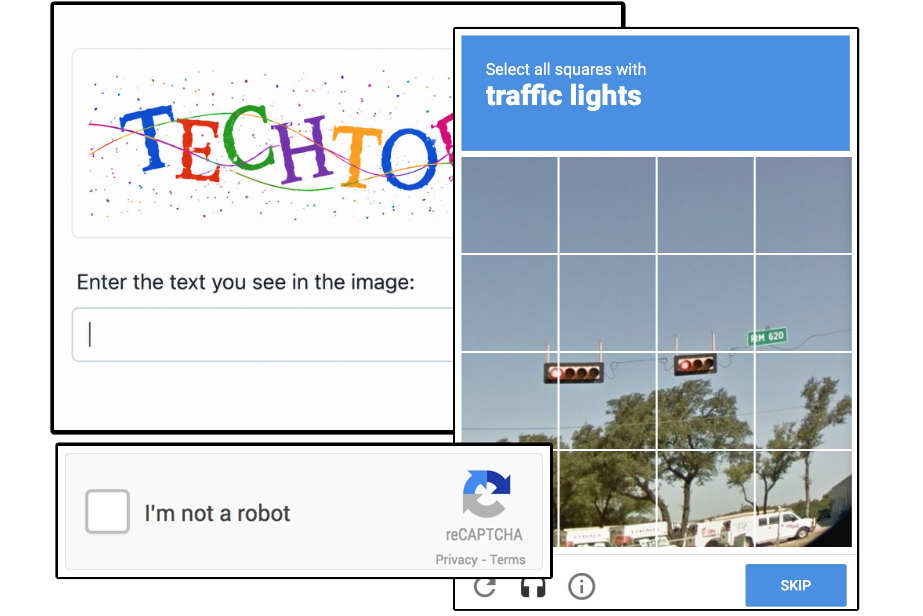
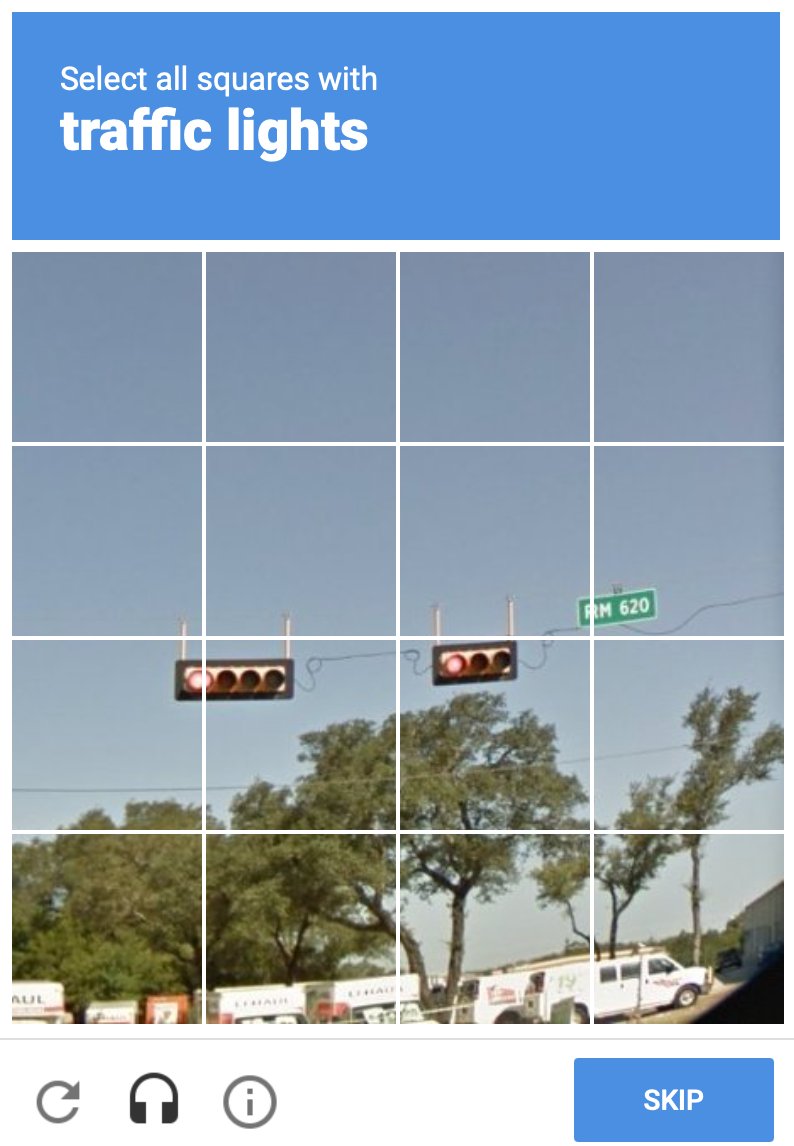
Almost everyone who uses the internet has encountered the small box that we can click to confirm that “I’m not a robot.” Sometimes a single click is enough, while at other times we have to identify buses, crosswalks, or traffic lights in images.
But how does the website know that there is really a human sitting in front of the computer?
Why is it needed at all?
It is not only humans who browse the internet, but also so-called bots.
Bots are programs that automatically perform tasks according to specific rules. For example, they can fill out forms, create accounts, try passwords, or even send thousands of requests to a website within a few minutes, thereby generating unnecessary traffic and load.
The purpose of a CAPTCHA (Completely Automated Public Turing test to tell Computers and Humans Apart) is to filter out these automated programs while causing as little inconvenience as possible for real users.
Some types of CAPTCHA
Text recognition CAPTCHA
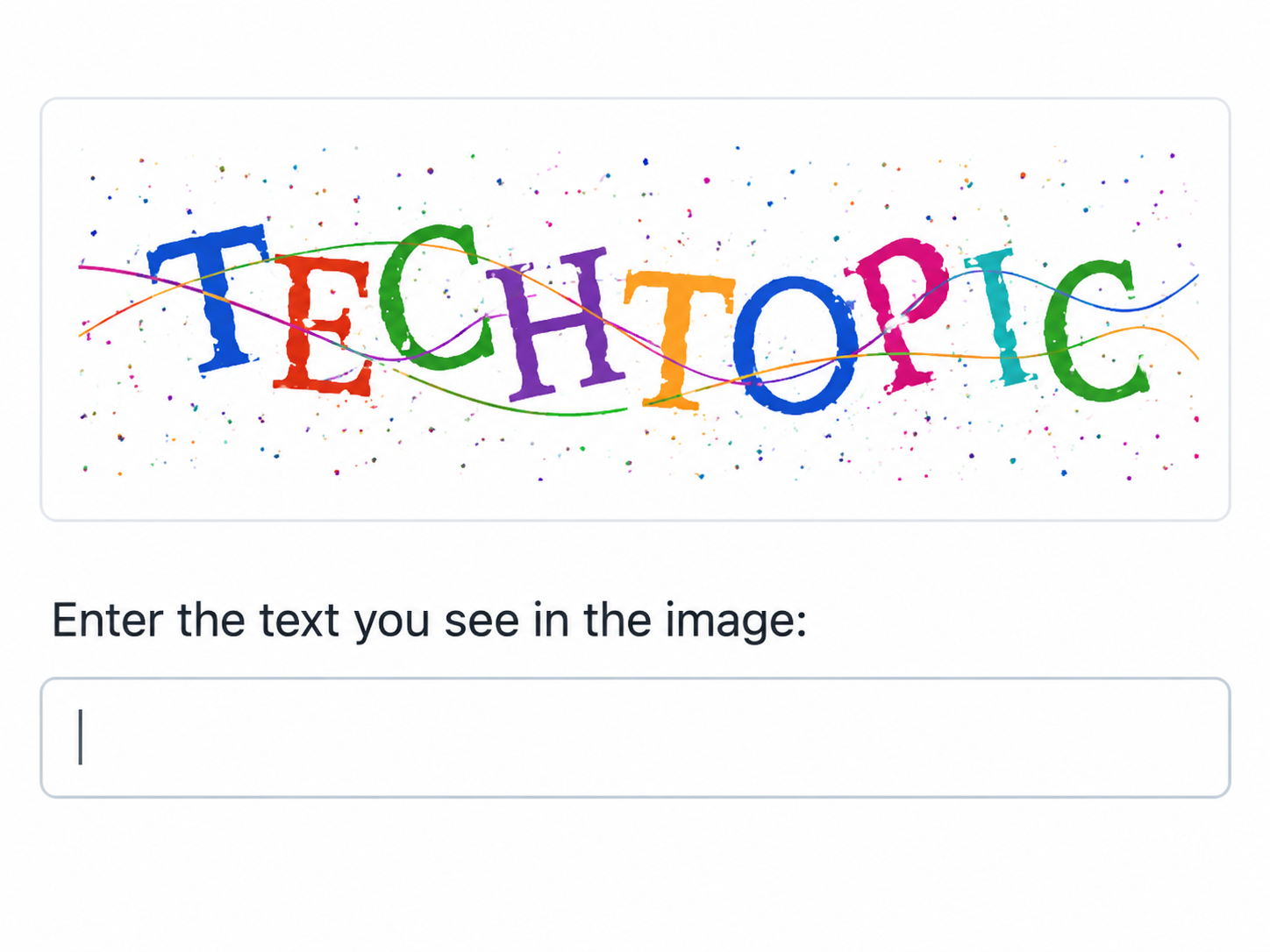
Image recognition CAPTCHA
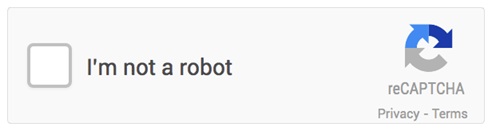
Checkbox CAPTCHA
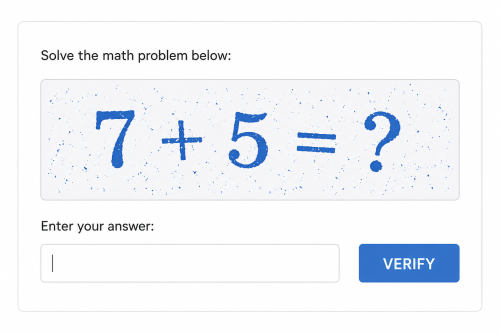
Mathematical CAPTCHA
How can it determine this from a single click?
It may sound strange, but it cannot, since a robot can also click a checkbox. Modern CAPTCHA systems do not monitor the click itself, but the path leading to it.
In the background, the system tries to determine whether a human or a robot is using the website based on a large amount of small pieces of information. Today, there are also CAPTCHAs that run in the background, so there is no need to click on anything. Instead, they examine the user’s behavior.
For example, they may monitor:
- how the mouse moves
- how natural the movements are
- how quickly you click
- how much time has passed since the page was opened
- how you scrolled through the page
Although artificial intelligence has developed significantly in recent years, these solutions still help filter out many automated attacks.
Why does it appear much more frequently for some people?
You have probably also noticed that CAPTCHA almost never appears for some people, while others encounter it on almost every website.
There may be several reasons for this.
It may request verification more frequently, for example, if:
- you use a VPN or proxy server
- many users share the same IP address
- certain cookies or JavaScript functions are disabled in the browser
- an unusually large number of requests are sent from your computer within a short period of time
- or the system considers the connection uncertain for some reason
This does not necessarily mean that there is anything wrong with your computer.